Open the installed TV Bro browser on your Android TV.
In the address bar of the browser, type
agrd.io/tvapk and press
Enter.
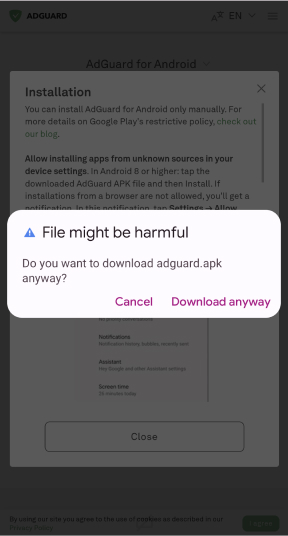
The browser will automatically start downloading the AdGuard for Android TV installer.
Once the download is complete, select Downloads in the browser control bar, then select the downloaded file.
A warning dialog appears. Allow installing files from the browser.
Return to your browser, open Downloads, and click the downloaded file.
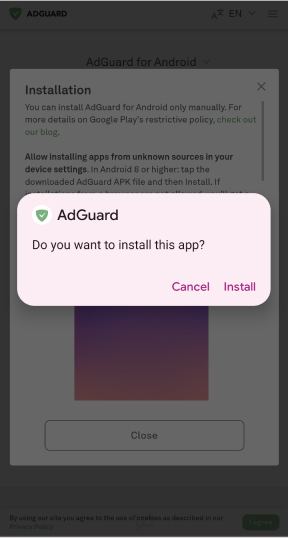
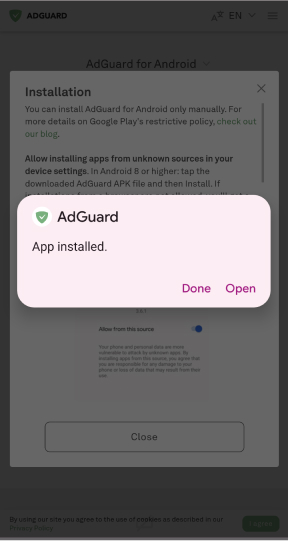
A system dialog appears. Click Install, then click Done or Open.
Congrats, you’ve installed AdGuard for Android TV!