As the world becomes more dependent on technology, criminals are also evolving in the digital sphere. Online viruses have been a common problem, where every user’s security is at risk.
You know what time it is. Black Friday – days of great sale. Adguard enters as well, and this time we offer an incredible 50% discount on ALL our licenses.
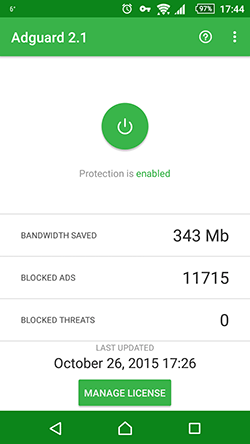
Just recently we have released version 2.1. But we have already gathered a list of what is needed to be fixed. That is why today we introduce this update. So what’s changed?
You’ve requested it, you kept asking when. And so here it is, dear friends. Finally we release our app for iPhone and iPad! Our new Adguard app is the perfect and most advanced ad blocker for iOS devices.
Dear friends, today we release new beta version of fully upgraded Adguard for Windows. This means that Adguard 6 official and long-awaited release will be really soon!
Recently we have decided that Adguard development process should become more open to users and be more influenced by community. As a result we created repositories on an open bug tracker GitHub.
Well, it’s high time to upgrade the Mac version of Adguard program. And it’s exactly what we are going to do today. As well as tell you what’s new and what we have paid special attention to in this release.
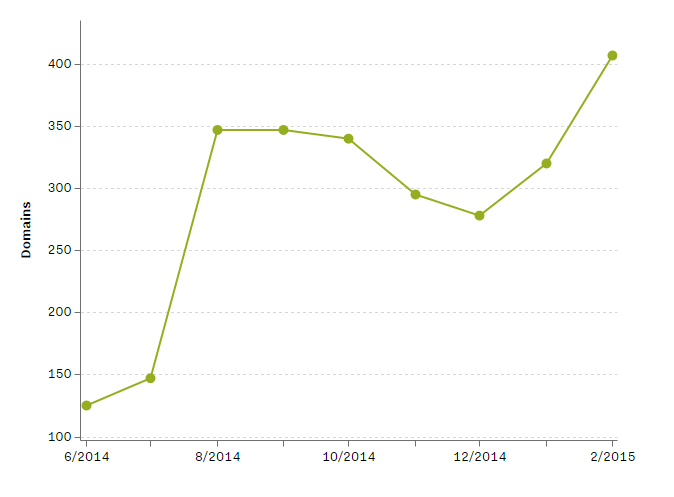
We wrote an article, where we described in detail the process of checking the websites and even depicted it schematically. We also told about Adguard filters, Browsing Security Community and much more.
All done!
Something went wrong
Subscribe to our news
You’ve successfully subscribed to AdGuard news. Emails will be sent to ${subscribeSlotProps.email}
You can also subscribe using a different email address
Please try again. If it doesn’t help, please contact support
Be the first to get the latest news about online privacy and ad blocking, AdGuard product releases, upcoming sales, giveaways, and more
Invalid captcha
Captcha is required
Downloading AdGuard
To install AdGuard, click the file indicated by the arrow
Select "Open" and click "OK", then wait for the file to be downloaded. In the opened window, drag the AdGuard icon to the "Applications" folder. Thank you for choosing AdGuard!
Select "Open" and click "OK", then wait for the file to be downloaded. In the opened window, click "Install". Thank you for choosing AdGuard!
Install AdGuard on your mobile device
Installation
AdGuard for Android is available in the following app stores:
AdGuard can’t be published on Google Play. For more details, check out our blog. If you’re using Google Play, follow these instructions to manually install AdGuard for Android.
1. Allow downloading
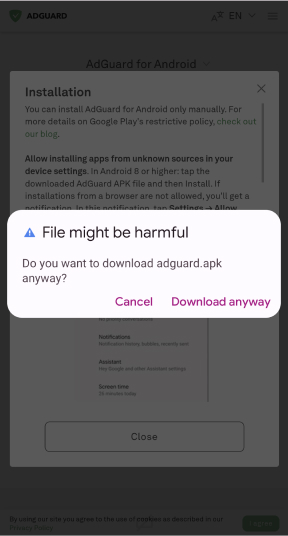
If your browser displays a warning, allow downloading adguard.apk.
Installation permissions
If installations from your browser are not allowed, you’ll get a notification. In this notification, tap Settings → Allow from this source.
Note for Samsung users with One UI 6 (Android 14) and newer
On some Samsung devices, the Auto Blocker feature may prevent APK installations. To install the app:
Open your device settings.
Go to Security and privacy.
Scroll down and tap Auto Blocker.
Disable the setting.
You can re-enable this feature after the installation.
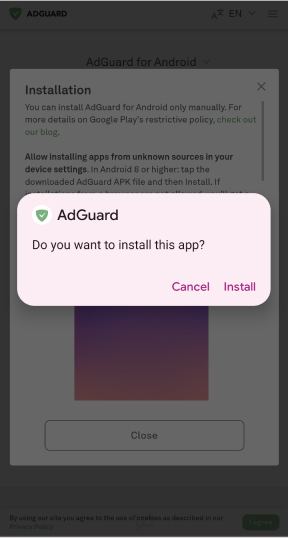
2. Install the app
In the pop-up dialog, tap Install.
3. Launch the app
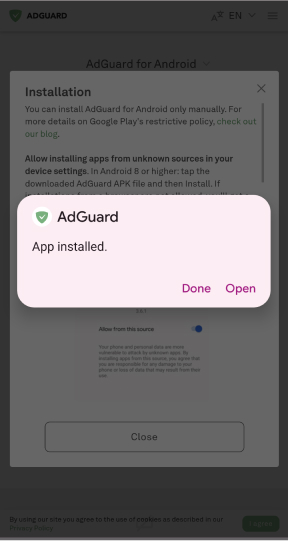
Wait for the installation to complete and tap Open. All done!
Scan to download
Use any QR-code reader available on your device
Scan to download
Use any QR-code reader available on your device
Download an older AdGuard version?
This OS version isn’t supported. You can use an older version of AdGuard, but it won't receive updates
By downloading the program you accept the terms of the License agreement